How do I forward support emails to Alori?
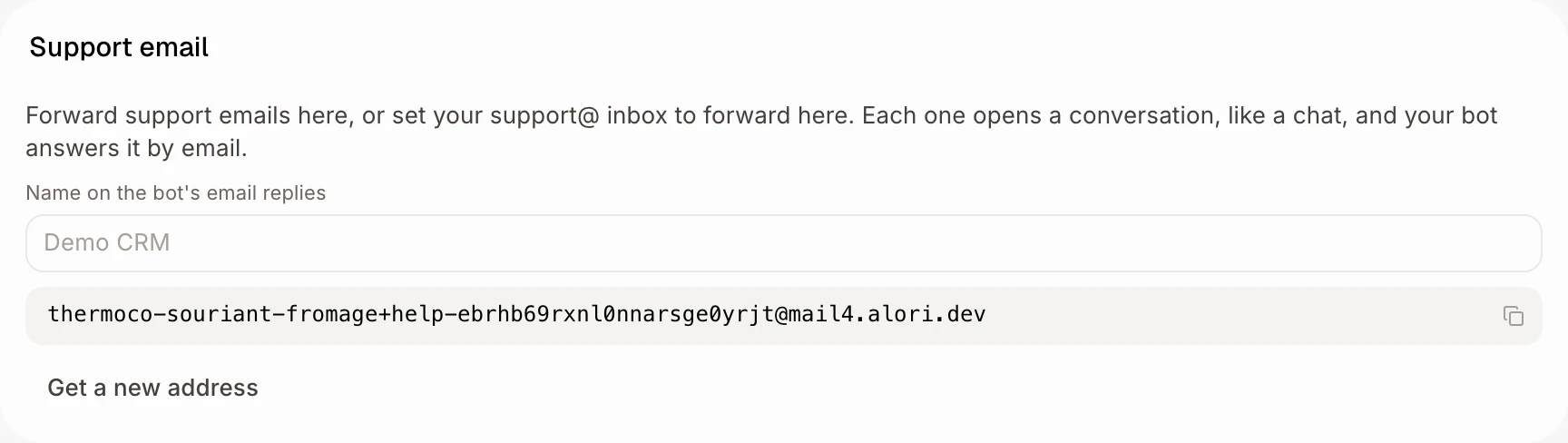
In Front desk, copy your Support email address and forward support emails to it. Each one opens a conversation, and your bot answers by email.
In Front desk, under Support email, copy your address. Forward any support email to it, or set your support@ inbox to forward there on its own. Each email opens a conversation in Conversations, just like a website chat, and your bot answers it by email.
Also called: sender name, from name, support inbox, help desk email, forwarding address, support@, courriel de soutien, transférer un courriel, boîte de soutien
Step 1: Copy your support email
In your CRM, click Front desk, then Settings. Under Support email, click the copy button beside the address.
Click: Front desk › Settings › Support email › copy
Step 2: Forward a support email to it
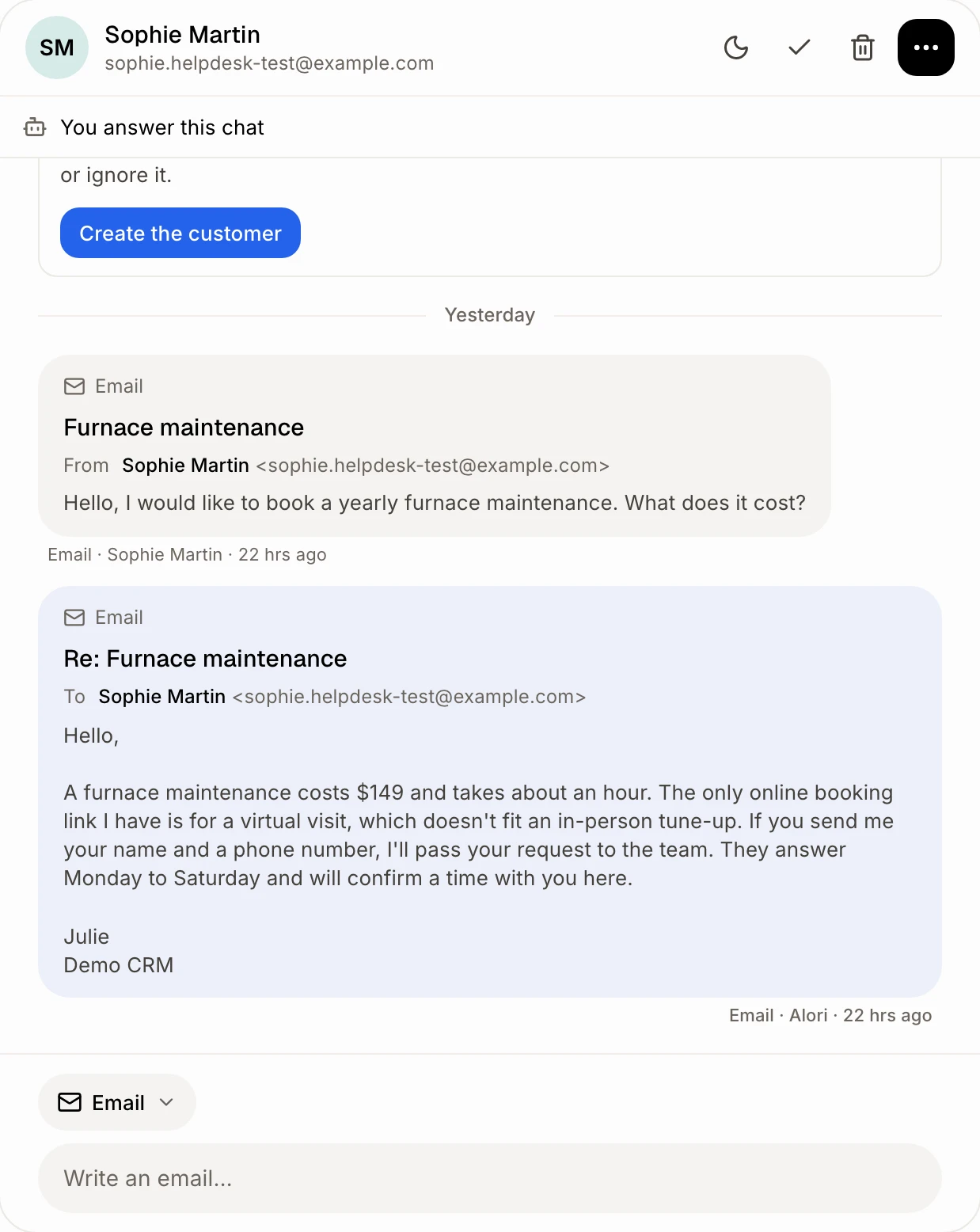
Forward a customer's email to that address from your own mailbox. It shows in Conversations under the customer who first wrote it, not under you. Who answers follows Who answers › Email in Front desk, which you set apart from the website chat: the bot replies by email, suggests an answer for you, or leaves it to your team. When you answer, the reply box is already on Email.
Choose the name on the bot's replies
In the same card, type a name in Name on the bot's email replies, like "Thermoco Support", then click outside the box. The bot's email answers go out under exactly that name. Leave it empty and they show your business's name. When a teammate answers, the email shows their own name.
Catch every support email
To get every email without forwarding each one, open your support@ mailbox's settings (Gmail, Outlook or your email host) and set it to forward all mail to your support email address.
Good to know
Someone new? They show in Conversations with a new record to create. No deal is opened for them.
The bot doesn't know the answer? It sends nothing back. The email waits for you in Conversations with a short note, and you answer it. The same goes for an email that isn't a question for you, like a forward meant for someone else.
Your support email is only in CC? The bot doesn't answer: the email waits for your team in Conversations, with a suggested answer. To let the bot answer, turn on Bot answers when it's only CC'd in Front desk › Settings › Who answers › Email.
Take over stops the bot on that conversation, like in a chat. Answering by email does the same.
Front desk is off? The emails still land in Conversations, and nobody answers them automatically.
If it doesn't work
"Your support email isn't available right now. Try again later." Reload the page in a few minutes.
A forward shows under your own name. Forward it as a regular forward (not as an attachment), from the email address you sign in with.
Spam is coming in. Click Get a new address. The old one stops working right away, so change any inbox that forwards to it.